Reporting & Analytics
Know how your takeaway is really doing.
Today’s orders and takings, every channel side by side and next week’s forecast, in the back office and on the POS. Included with every plan.

 Today’s revenue
Every channel, one view
Website, app, kiosk, counter, phone and marketplace orders reported side by side, with discounts and commissions.
Next week, forecast
A forecast for each day of next week, worked out from your last six weeks and set beside last year.
Included in your plan
Reporting comes with every MyFoodFast base plan. There is nothing extra to switch on.
Built for how a takeaway actually trades.
Delivery and collection, split
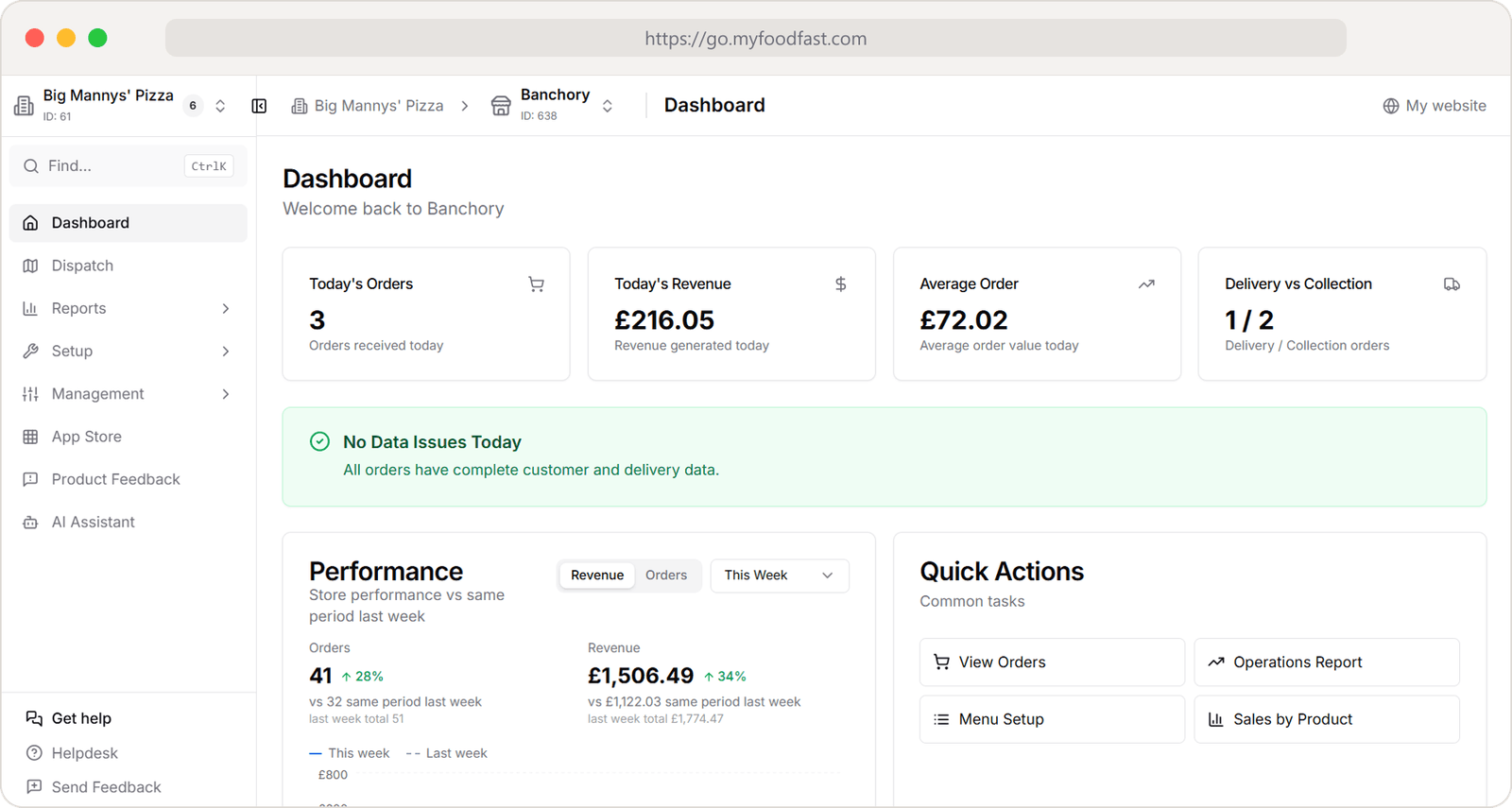
The dashboard opens on today’s orders, takings and average order, with how many went out for delivery and how many were collected.
This week against last week
Orders and revenue for the week so far, drawn against the same days last week, so a slow Tuesday is obvious by Wednesday.
Cash that adds up
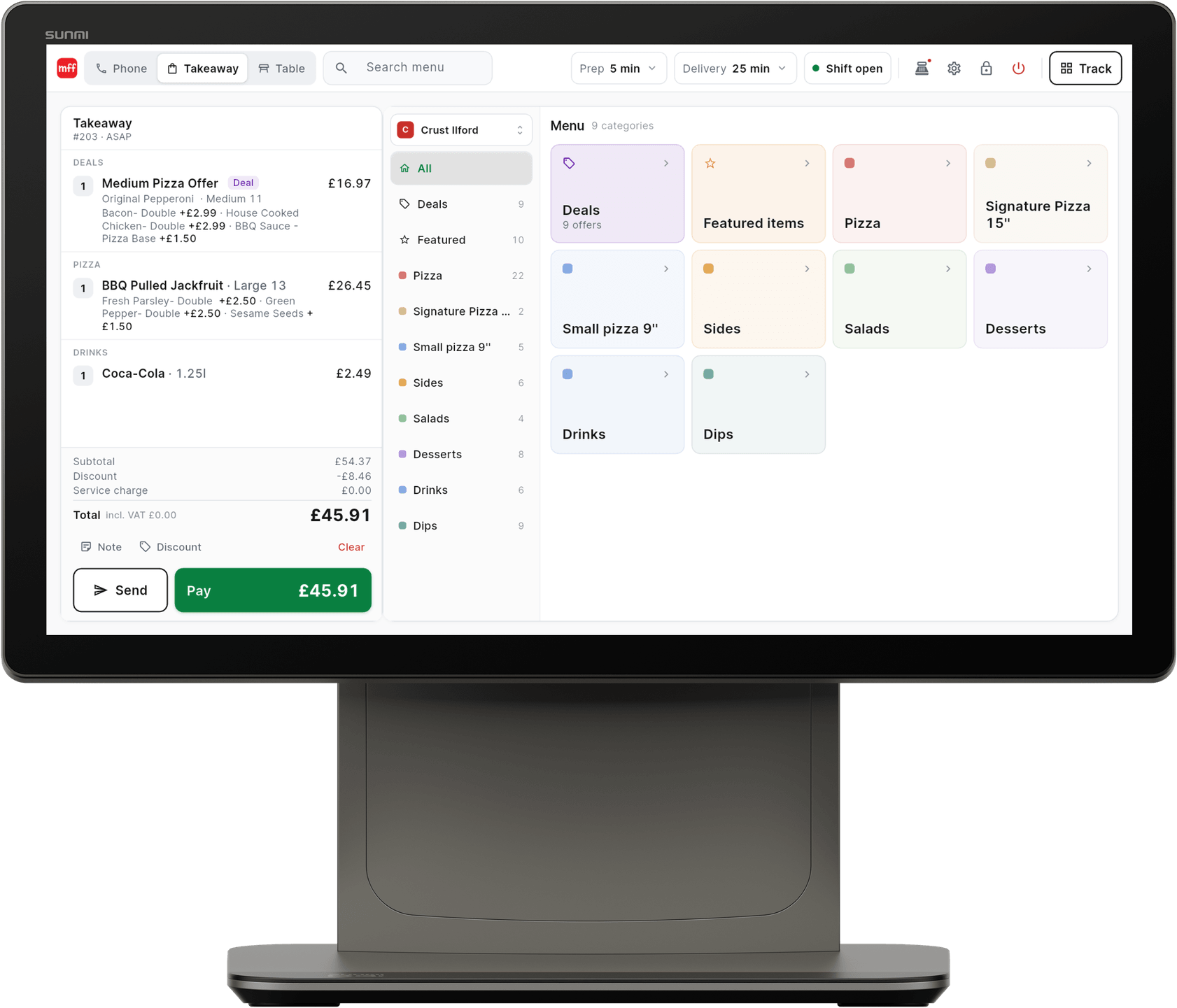
The POS keeps a running shift total, and the Z read sets the counted cash against what should be in the drawer before anyone signs off.
The reports
From today’s takings to next week’s plan
Today at a glance
Your day on one screen
Today’s orders, revenue, average order and the delivery and collection split, a check that every order has complete customer and delivery details, and this week drawn against last.
Where orders come from
Every channel, side by side
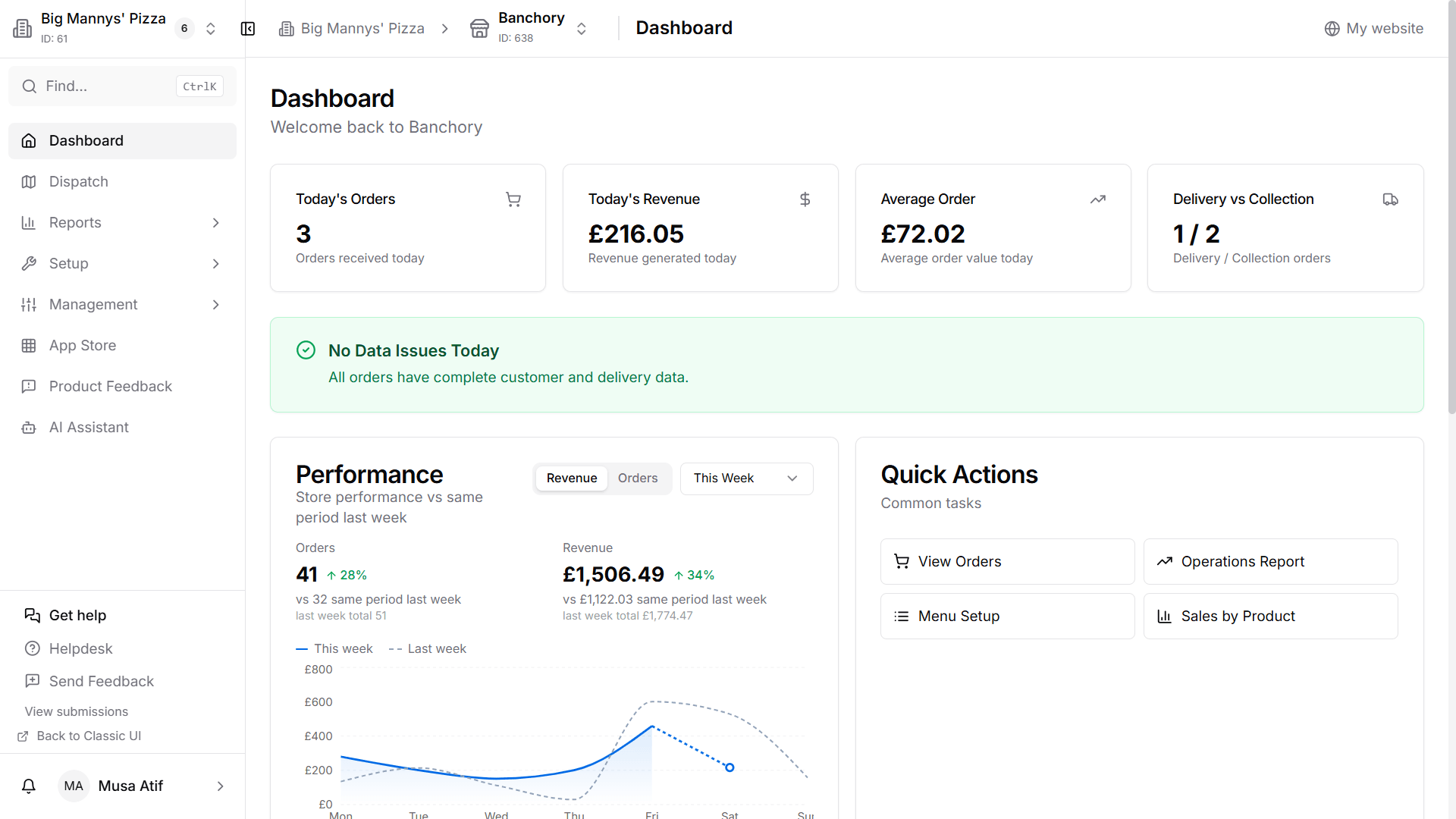
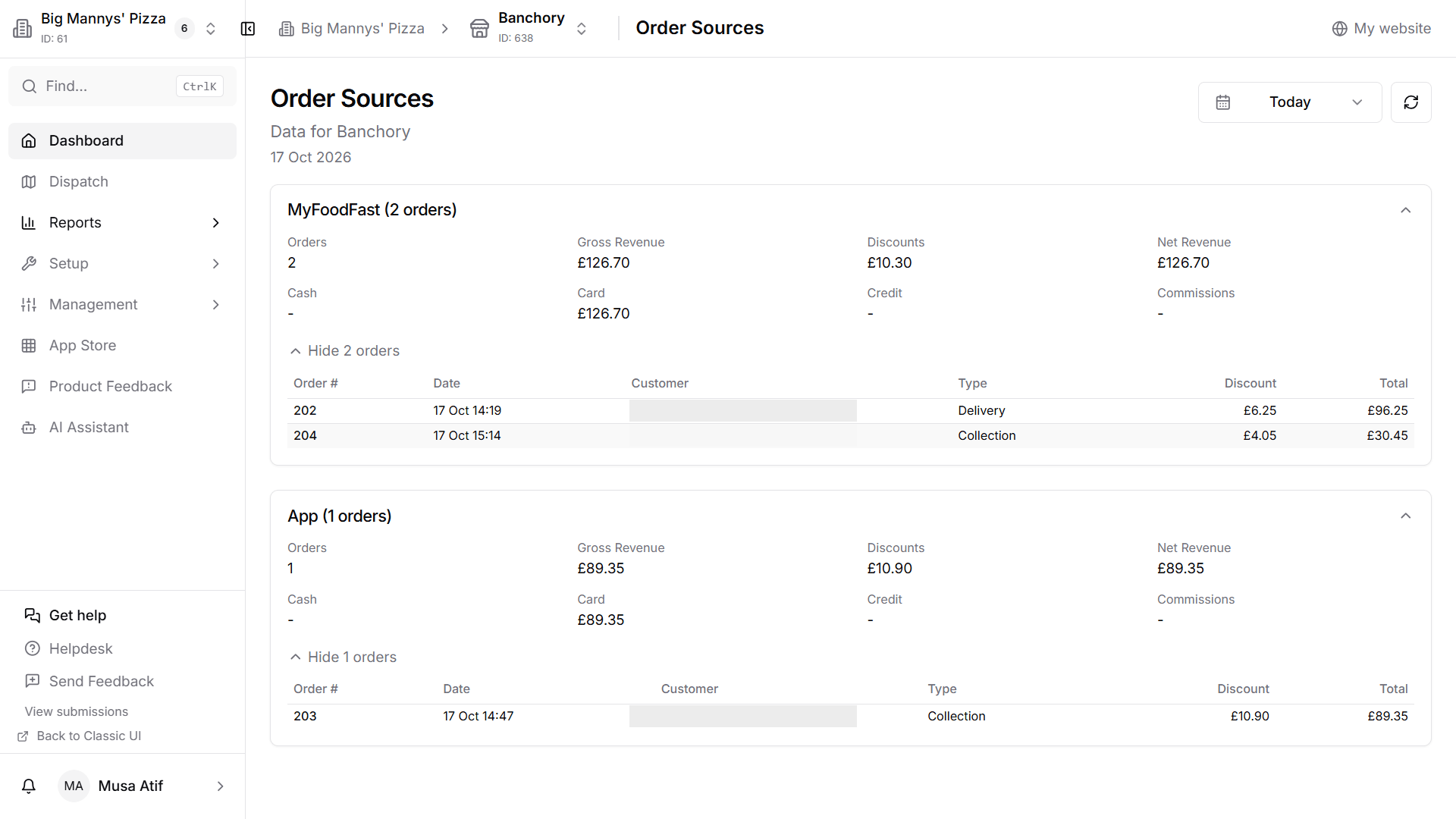
Orders, gross and net revenue, discounts, cash, card and commissions for each place orders come from, for any date range, with the orders underneath.
Plan the week
Next week, day by day
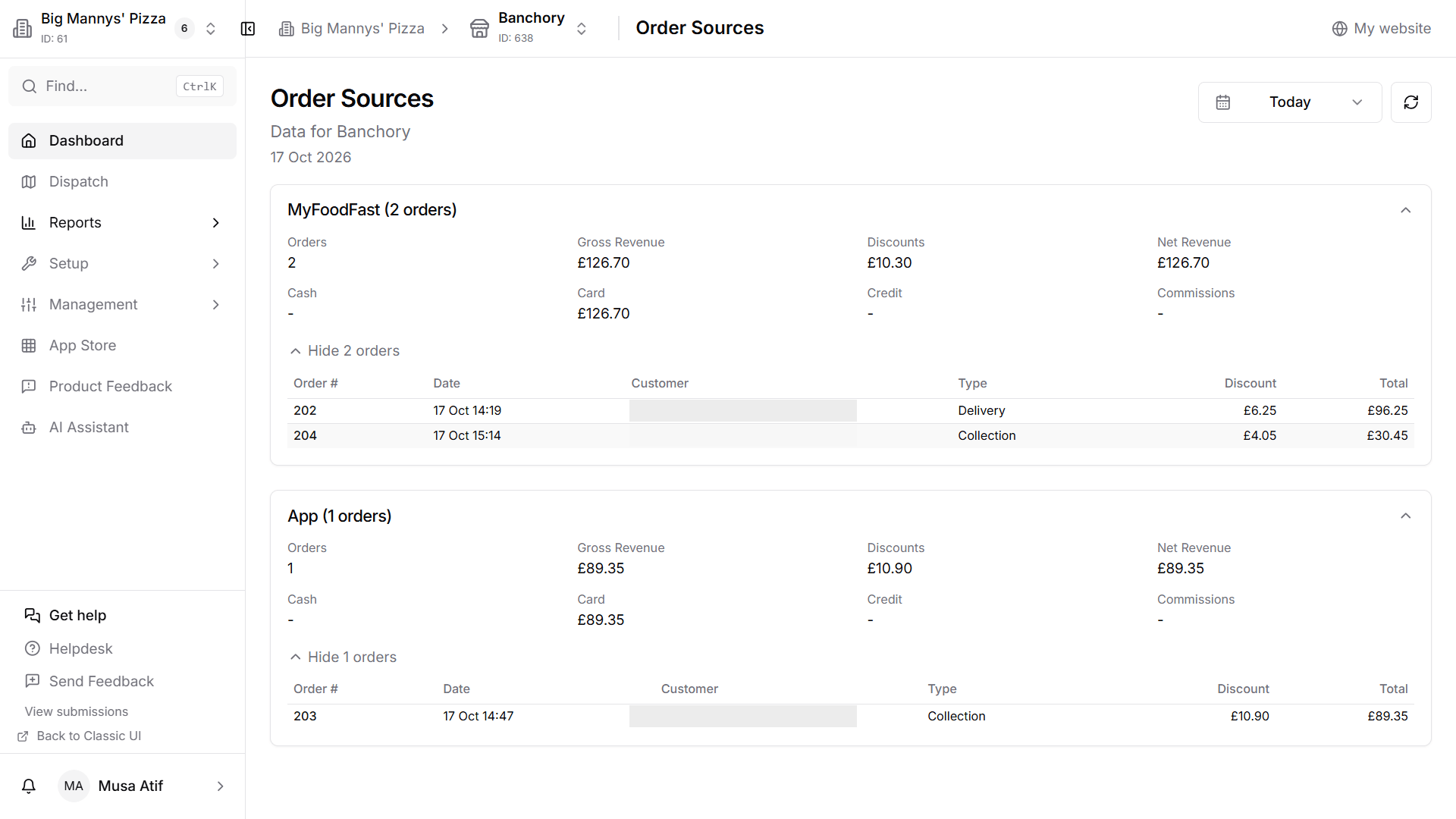
A forecast for each day, worked out from your six-week average and adjusted by your six-week growth, beside the same week last year. Year-to-date and six-week growth sit above it.
End of night
Counted, not guessed
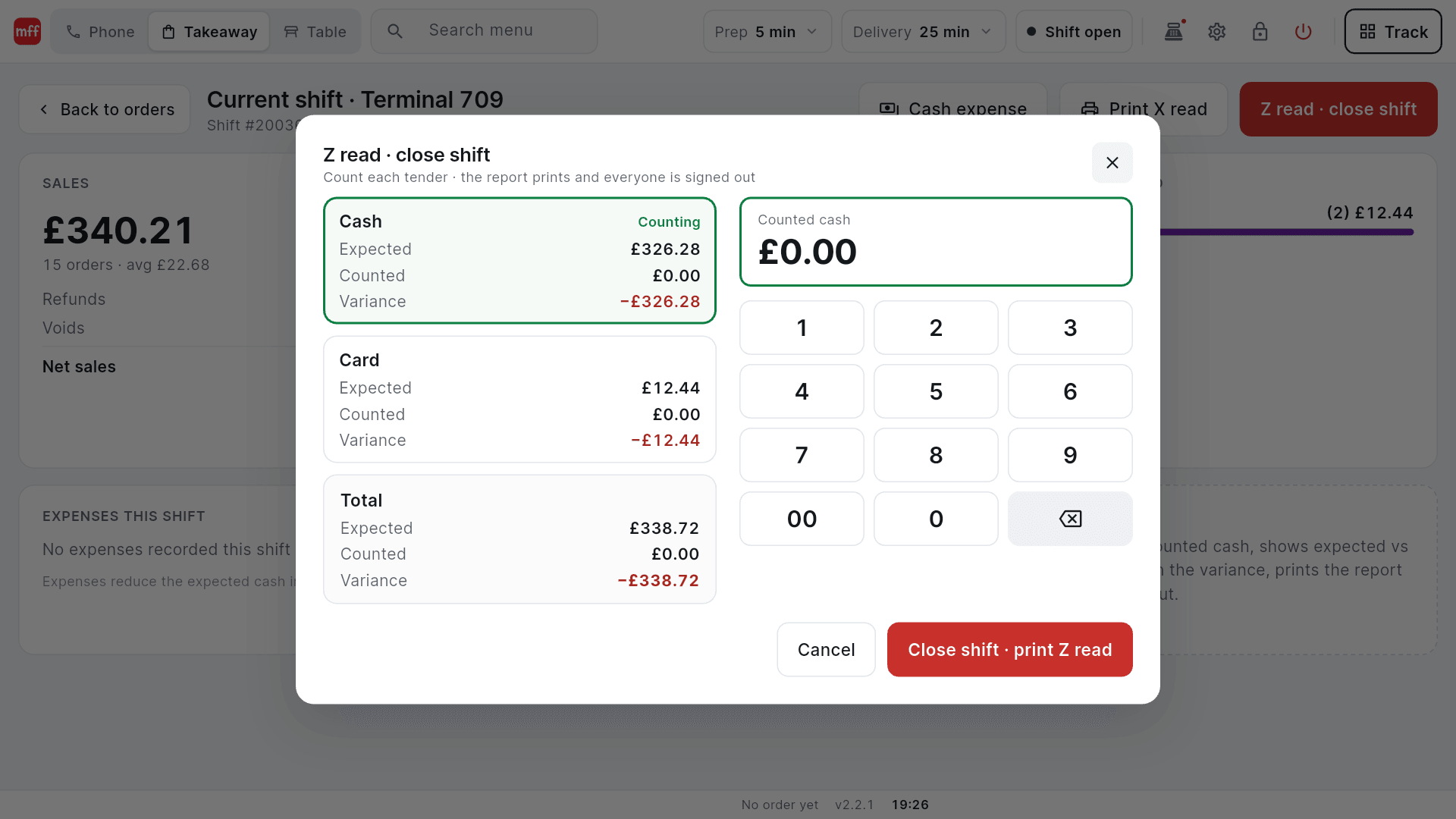
A Z read shows cash and card expected, counted and the variance before you sign off, and prints the report.
Direct vs marketplaces
See what each channel really leaves you.
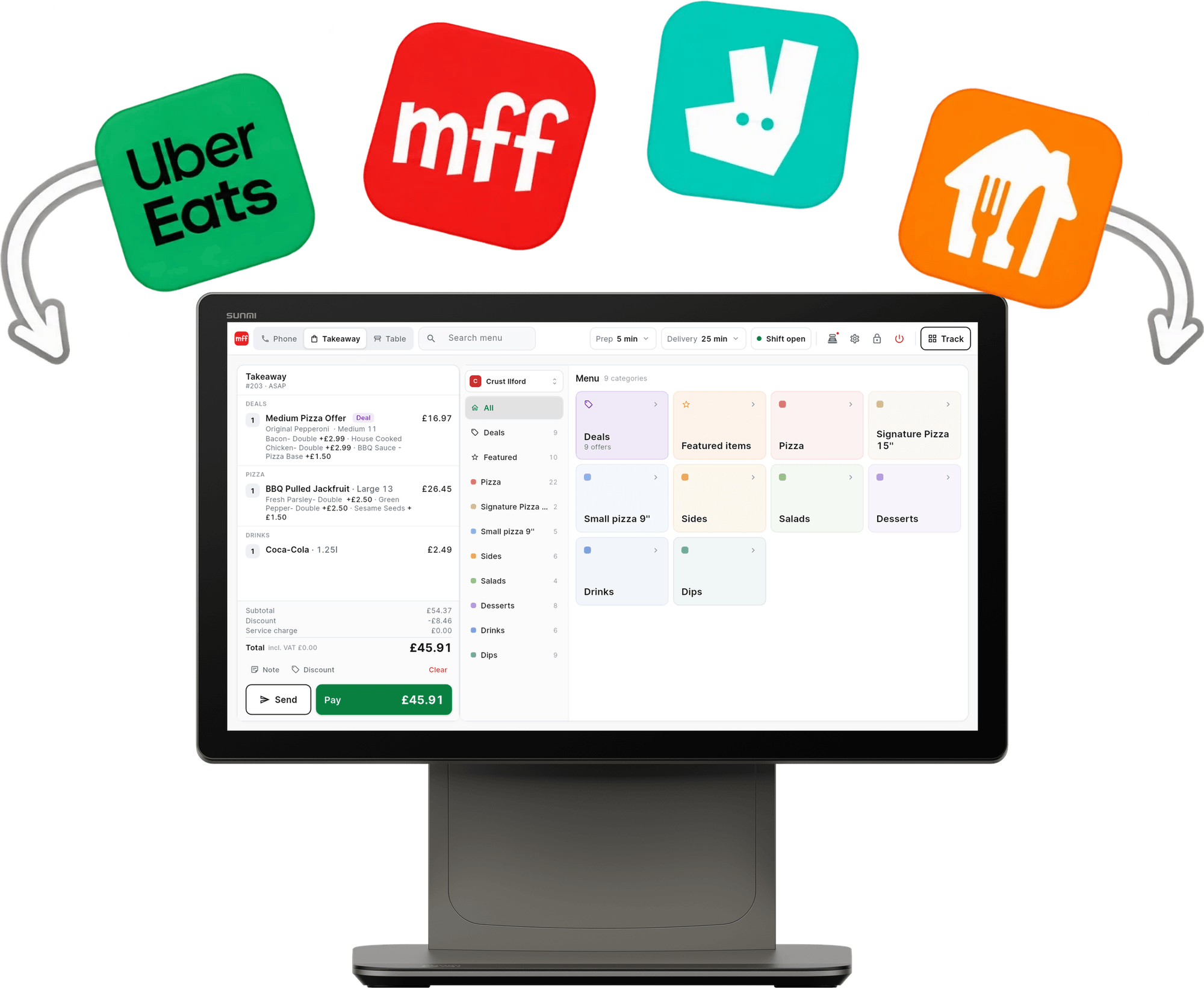
Your website and app orders sit beside Just Eat, Uber Eats and Deliveroo in the same report, with gross revenue, discounts, commissions and net revenue for each. Which channel is worth pushing stops being a guess.
Across your shops
One shop or a group, the same reports.
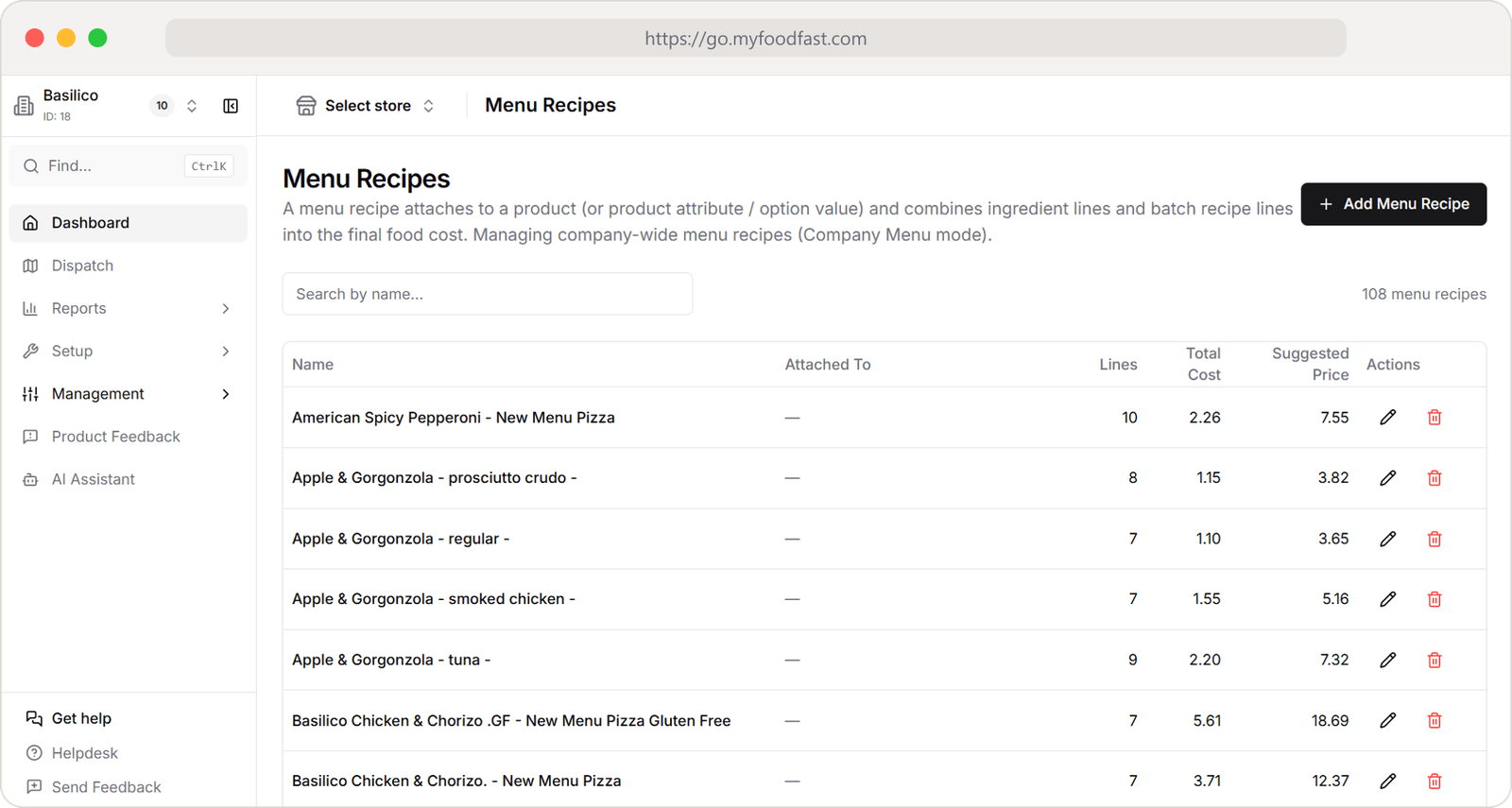
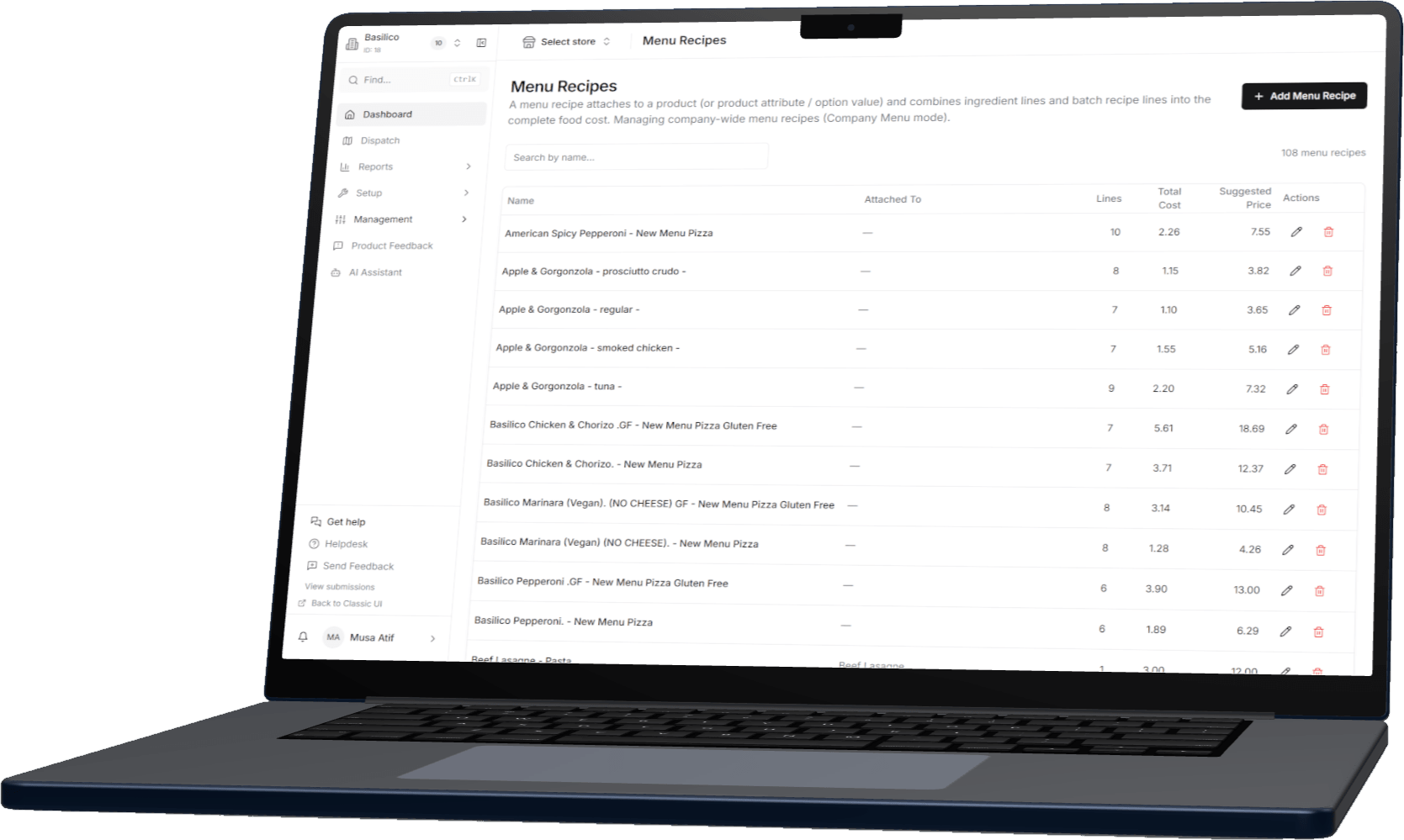
Switch stores from the top of the back office and every report follows. Groups get a Company Dashboard with every store side by side: sales and orders against last week and last year, and how long orders take to make, dispatch and deliver. Alongside sit Menu Engineering, Sales by Product, the Operations Report, the cost of every dish with Stock Control, and the orders each campaign brought in with Automated Marketing.
Reporting — the questions owners ask
Does reporting cost extra?
No. Reporting is part of every MyFoodFast base plan, in the back office and on the POS. Some reports come from add-ons: driver times with Delivery Management, cost per dish with Stock Control, and campaign results with Automated Marketing.
What reports are there?
The dashboard (today’s orders, revenue, average order, delivery versus collection, and this week against last), Order Sources, Forecast Sales, the Operations Report and Sales by Product in the back office, and the shift summary, X read and Z read on the POS.
Can I see Just Eat, Uber Eats and Deliveroo orders in the same reports?
Yes, with Platform Integrations. Marketplace orders arrive as order sources beside your website, app, kiosk, counter and phone orders, so each shows its orders, revenue, discounts and commissions.
How is the sales forecast worked out?
It takes your average for each day over the last six weeks and adjusts it by your growth over those six weeks. The same week last year is shown beside it, so you can sanity-check a bank holiday or a quiet spell.
How does cashing up work?
The POS keeps a running shift: sales, refunds, voids, cash expected in the drawer, the opening float and any cash expenses. An X read prints a mid-shift total. The Z read asks for the counted cash, shows expected against counted for each payment type with the variance, prints the report and closes the shift, and needs a manager PIN.
Can I check my numbers away from the shop?
Yes. The back office runs in a web browser, so the dashboard and reports open on a laptop, tablet or phone wherever you are.
Does it work across several sites?
Yes. Switch store from the top of the back office and every report follows that shop. If you run two or more sites, book a demo and we will show you the group view.
See exactly how it’s set up
Step-by-step guides and features worth knowing.
Works with
Better together
Reports are only as good as what feeds them. These put every order, and every ingredient, into them.
Know your numbers before the week starts.
Reporting comes with every MyFoodFast base plan: the dashboard, order sources, the weekly forecast and the Z read. Rolling monthly, no minimum term.
7-day free trial. Card required; your plan starts after the trial unless you cancel.
- No contracts
- No aggregator commission
- Cancel anytime