 MyFoodFast
How to win back takeaway regulars who stopped ordering
To win back a regular who has stopped ordering, you need three things: a customer list you own, a way to see who has gone quiet, and a short message sent while they still remember you. Most takeaways have none of the three, because the orders came through a marketplace and nobody has time to read a spreadsheet. This guide covers how to do it by hand, and how to have it done for you.
Why regulars drift
It is rarely a bad meal. A new shop opens nearby, a marketplace puts a rival’s offer at the top of the app, or the habit simply breaks over a holiday. The customer does not decide to leave. They just order somewhere else once, then again. Nobody tells you, and by the time you notice the gap in the takings they have been gone for months.
You can only win back customers you own
When a regular orders through Just Eat, Uber Eats or Deliveroo, the marketplace holds the relationship. You cannot message that customer yourself. When the same person orders through your own ordering website or app, you have their order history and a way to reach them. So the first step in winning regulars back is moving them onto your own ordering in the first place.
How to do that: Move customers from Just Eat to your own website
Doing it by hand
- Export your customers with their order count and last order date.
- Pick out the ones who used to order often: say, three or more orders.
- Of those, find the ones who have not ordered for longer than their usual gap. For a weekly customer, a month of silence is a signal.
- Send a short, friendly message with one reason to come back: a favourite item, a new dish or a small offer.
- Do not message the same person again and again. Once is a reminder. Weekly is spam.
It works, and almost nobody keeps it up. It is an hour of spreadsheet work that always loses to the Friday prep.
There is a bigger problem than the time. When you do it by hand, everyone gets the same message at the same moment. The Tuesday regular and the Saturday regular both get your text on a Thursday afternoon, when neither is thinking about dinner. You pay for every text, most are ignored, and the few orders that come back rarely cover the cost. That is why so many owners try a text blast once and never do it again.
Having it done for you
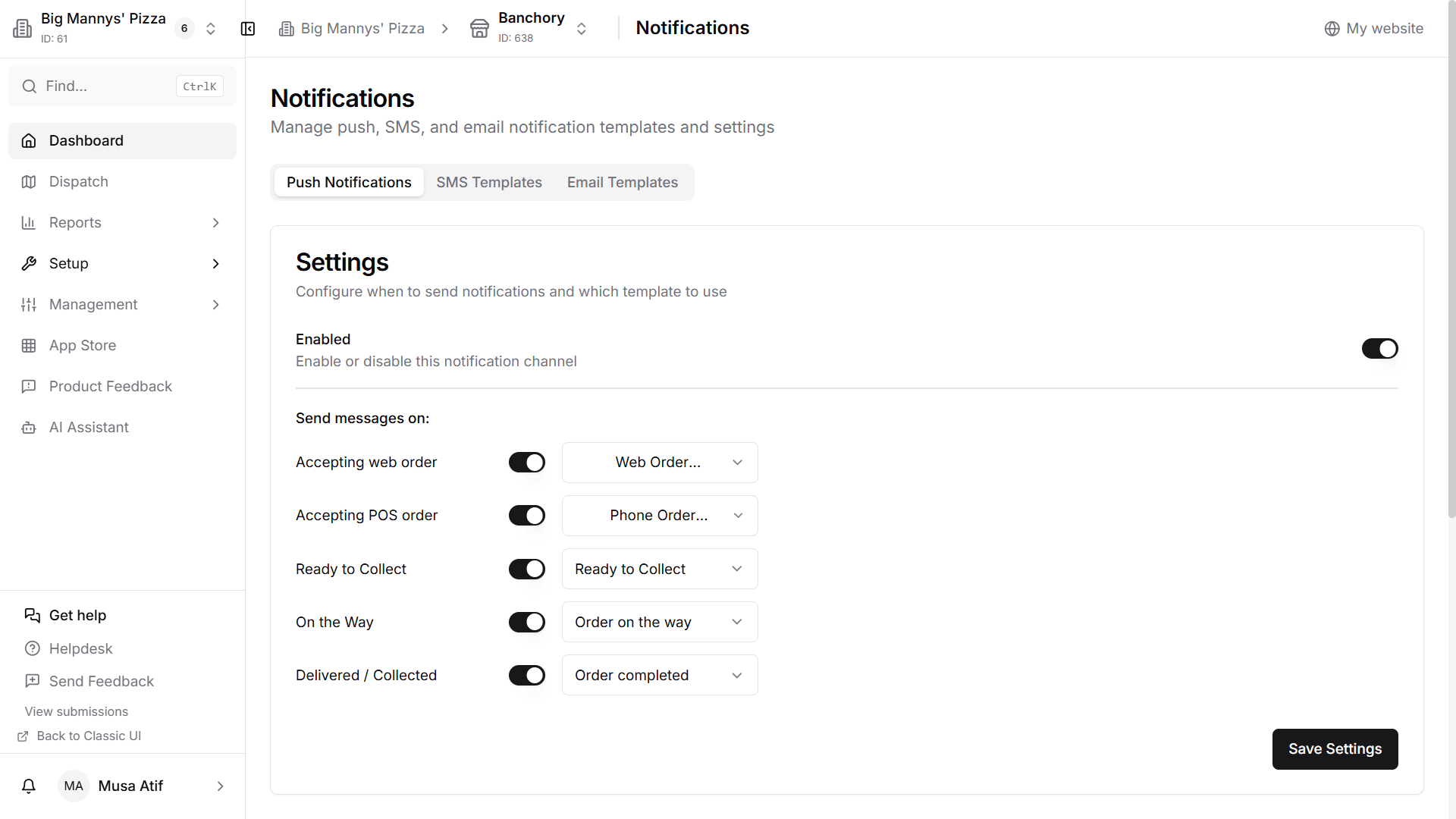
This is a job software does well, because it follows clear rules and needs doing every week. MyFoodFast Automated Marketing reads each customer’s order history: what they buy, how often and when they last ordered. A regular who has gone quiet is sent a reminder or an offer on the day they usually order, when they are already deciding what to eat. The Friday-night customer hears from you on a Friday, not in a Monday morning blast with everyone else. It goes by push notification if they have your app and by text if they do not. How often anyone is contacted is capped, and you can switch it off at any time.
The dashboard shows what was sent and which orders are linked to a message. A linked order is one placed within a few days of the message. It is not proof the customer would not have ordered anyway, and we do not pretend it is.
What it costs
There is no subscription. Automated Marketing charges 1% on attributed card orders, meaning orders linked to a message it sent, and nothing when no order is linked.
What to send
- Keep it to one or two lines. People read these on a lock screen.
- Use the shop’s name, so they know who it is from.
- Give one reason to order tonight, not a list.
- An offer helps but is not always needed. A reminder of a favourite is often enough.
- Send it when they would normally order, not at nine in the morning.
See how it works: MyFoodFast Automated Marketing
Want to see it working in your own shop? Start your free trial or book a demo. No card needed to sign up.